Nevada requires certain product images to be uploaded to Metrc for all cannabis items. You can satisfy this requirement by uploading these images in Dutchie POS, which will automatically upload the images to Metrc as well.
Before you begin
- In the Dutchie POS Backoffice, go to Settings > Integrations > Metrc and select the Settings tab.
- Turn on the Sync item approval files/fields setting.
- Click Update.
Add Metrc product images
You will now see the following fields on each item in your Catalog. Note that because Metrc’s API does not support PDF file uploads, any required PDF files, such as SOPs, must be uploaded directly to Metrc.
- Metrc description
- Metrc finished product images
- Metrc label images
- Metrc packaging images
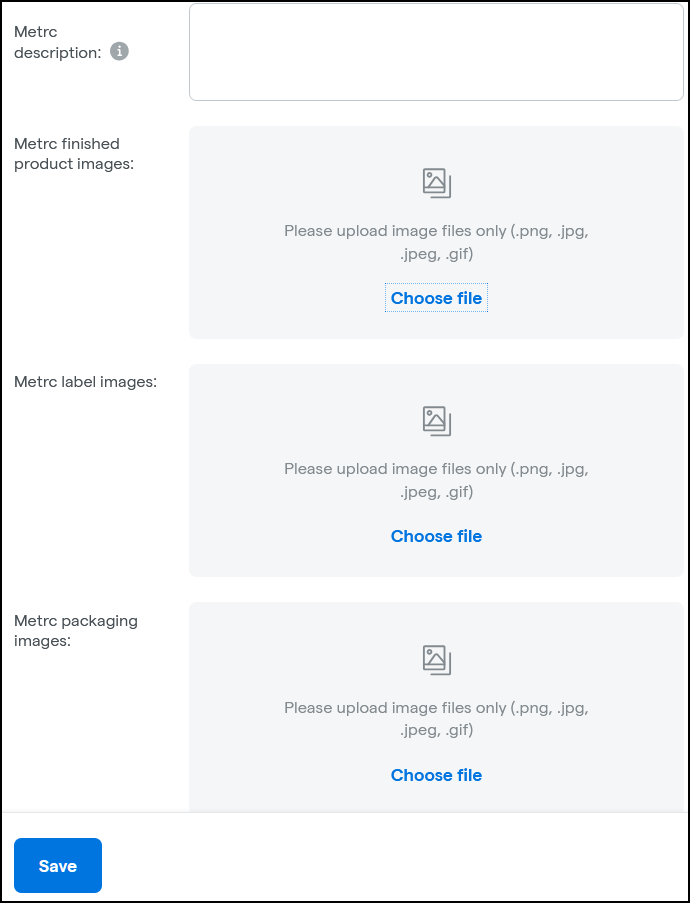
Uploaded images are then automatically sent to Metrc.